


How to apply KYC?
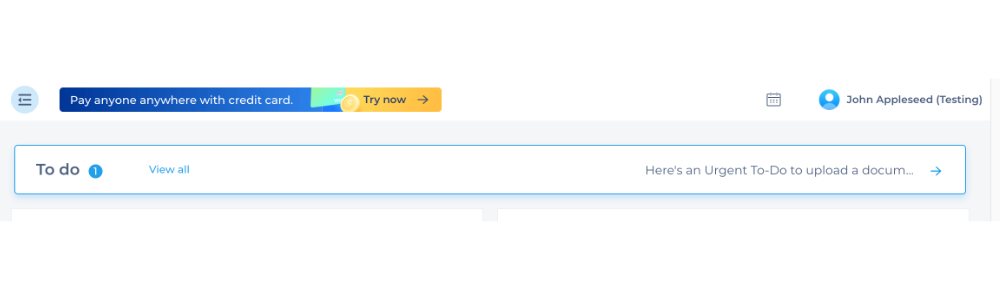
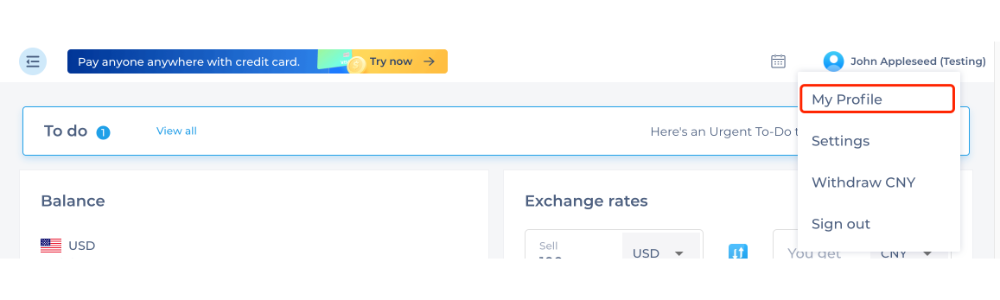
Step 1: Log in to your PingPong and select the “To-do list” on the Dashboard page OR select My Profile. you’ll be directed to the business verification page.
Here you can upload your required documents and answer the questions listed.
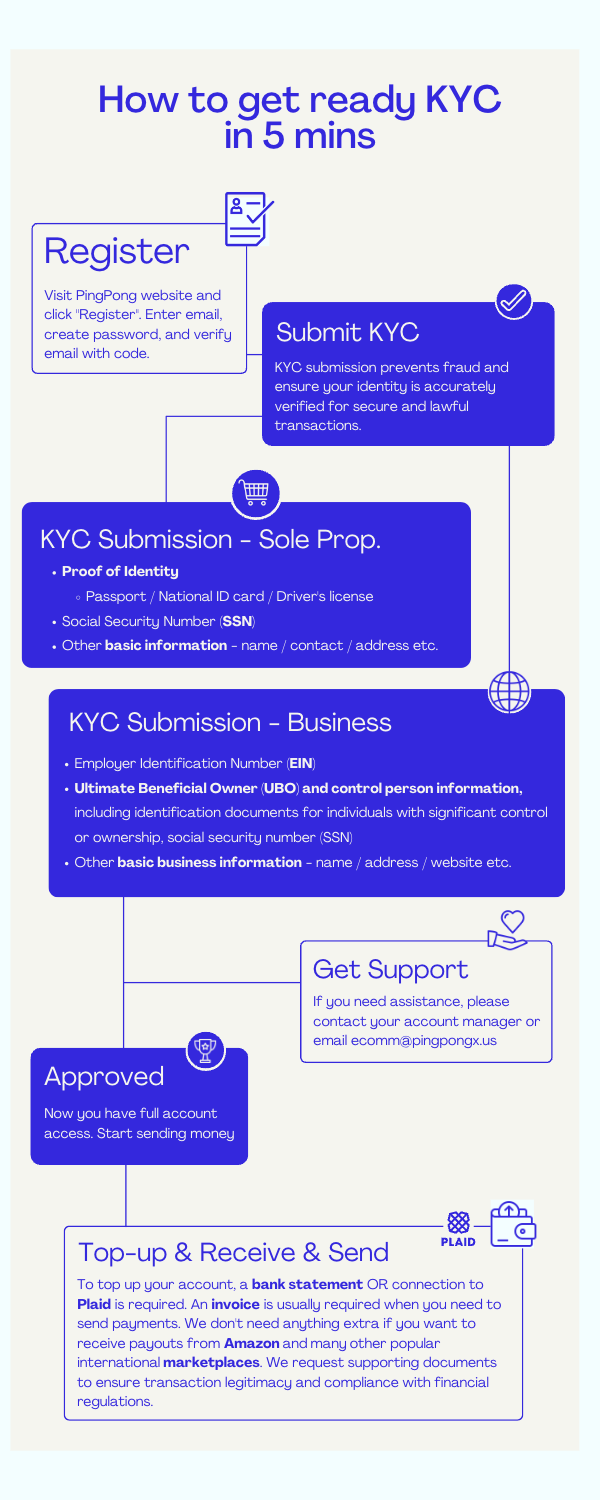
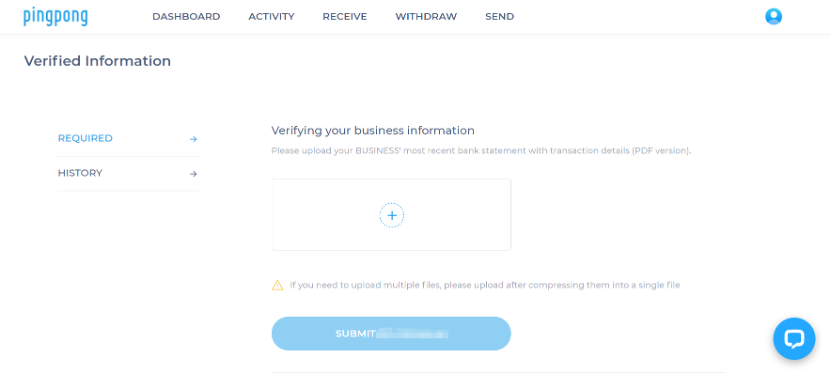
Step 2: After uploading your information, you can view it in the “HISTORY” tab on the left.
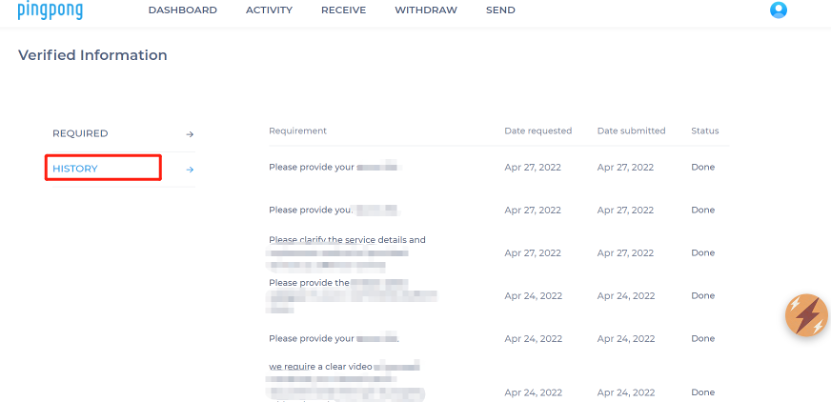
Note: Please provide valid information. If the provided information doesn’t meet the verification requirement, you will be required to submit more supplementary.
Still need help?
Our bank partners

%201.svg)

%201.svg)
%201.svg)

.svg)
Start with global payment and PingPong payment.
Our all-in-one global payments solution will take your business to the next level.